In this section, I want to build a basic level that players can move in.
To build the level I needed to install the Unity Pro Builder which I did over the Package Manager.
https://unity.com/features/probuilder
It is already integrated into Unity so I didn’t have to download it. 🙂 Just install it for the project. Another one suggested to snap everything nice and tight to the grid would be ProGrids
https://docs.unity3d.com/Packages/com.unity.progrids@3.0/manual/index.html
Which can be installed if you activate Preview Packages. You can activate them under Edit -> Project Settings -> Package Manager -> Enable Preview Packages.
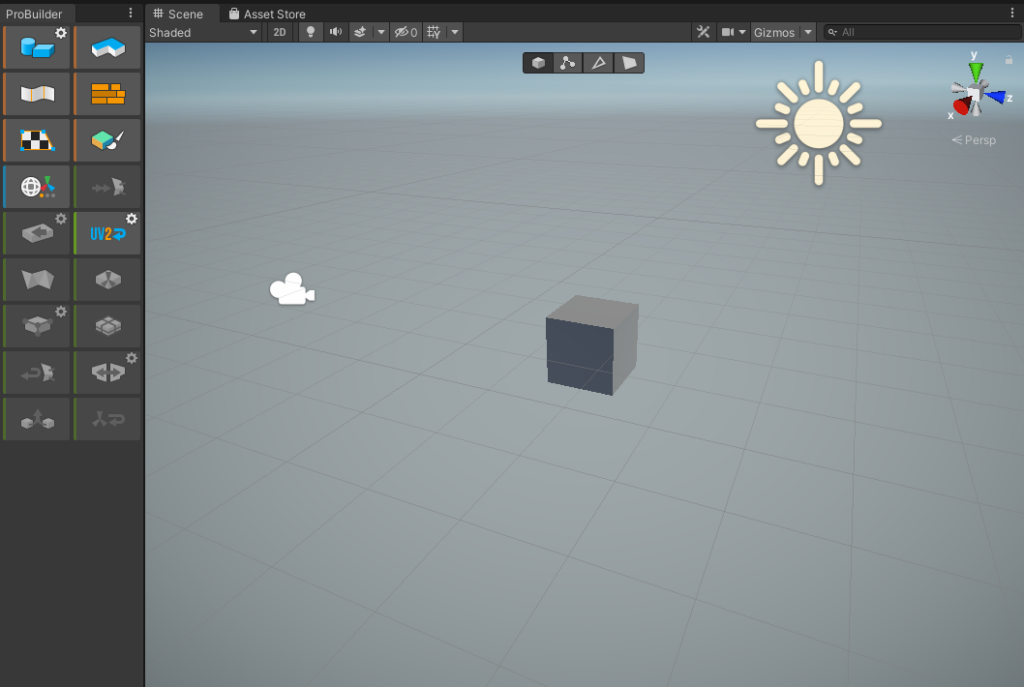
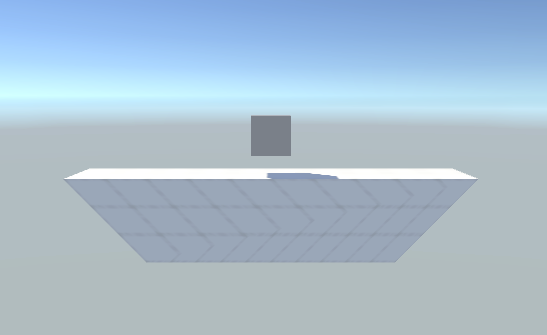
First Tryouts of the ProBuilder. Created an angular Plane that is quite reminiscent of the levels of other Platform Fighters.
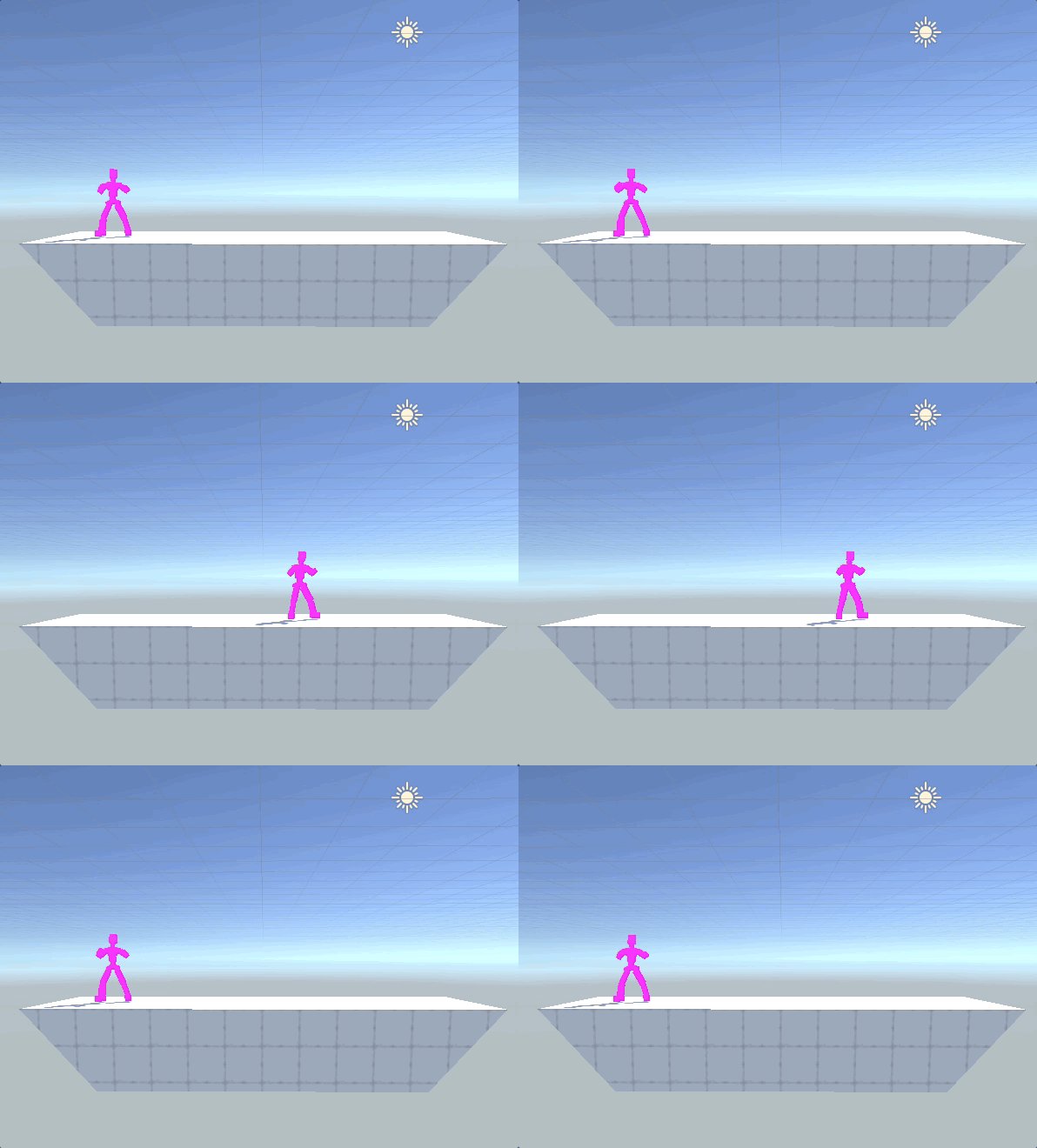
Then I looked for an easy asset package that had a basic fighter inside with some animation to use for a fighting game. Found this asset package to use for my game:
https://assetstore.unity.com/packages/3d/animations/fighter-pack-bundle-free-36286
This is how it looks now:
The next tasks I would like to tackle are. How do I jump and how do I detect the ledge on the left and the right of the stage? If the player reaches the ledge shall they keep pushing and start holding onto it for a new animation?